A backup job runs green every night for a year. Then a bad migration drops the production database, you reach for the latest dump — and discover it's been writing a zero-byte file the whole time, or it lives on the same disk that just died, or the restore no one ever ran fails at 2 a.m. The backup existed; the recovery didn't.
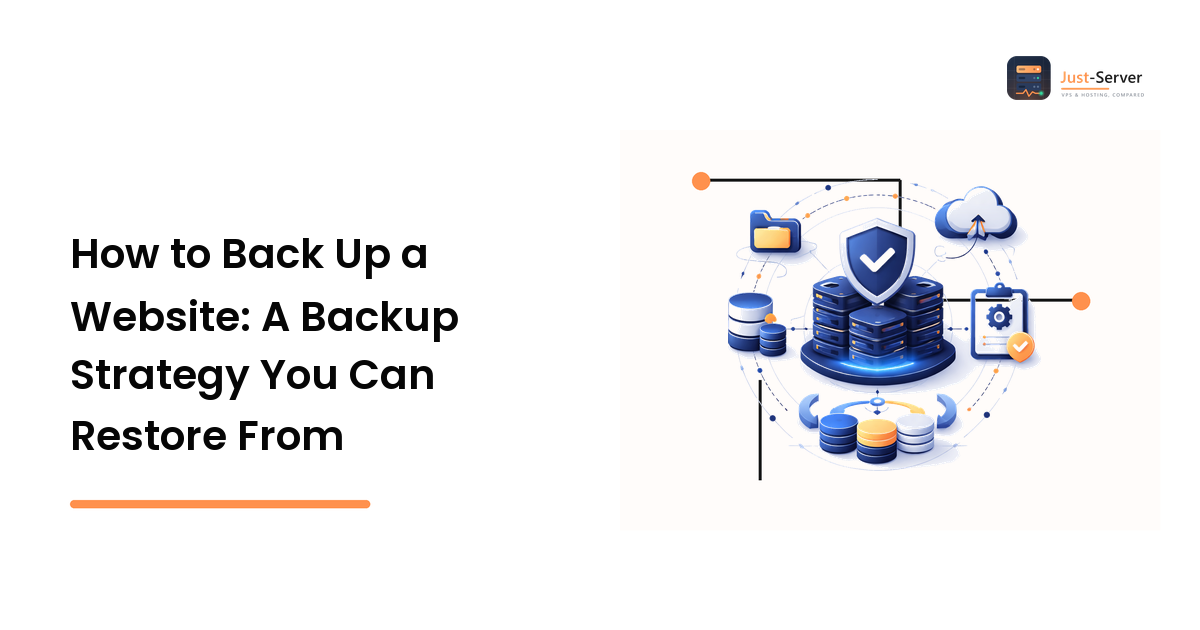
The takeaway up front: a backup you've never restored isn't a backup — it's a hope. A real server backup strategy isn't about producing files; it's about being able to rebuild a working server fast when something destroys the live one. The discipline that delivers that is decades old and still correct: the 3-2-1 backup rule — three copies of your data, on two kinds of media, with one offsite — paired with the habit almost everyone skips: actually performing a restore.
What the 3-2-1 backup rule means, and why each number is there
The 3-2-1 backup rule is shorthand for a layout that survives the failures that routinely take out single-copy setups. Each digit defends against a different way of losing data.
- 3 copies — your live data plus at least two backups. One backup isn't enough: the moment it's corrupt, deleted, or mid-overwrite, you're back to zero. A second means a single bad copy doesn't end the story.
- 2 different media — don't keep every copy on the same storage in the same place. The classic failure is a backup on the same disk as the original: one drive failure or wipe and both vanish together. Use a second volume, a different machine, or object storage.
- 1 offsite — at least one offsite backup somewhere physically and administratively separate, so it survives the whole machine being gone: a deleted droplet, a ransomwared host, a datacenter incident, a billing lapse. If every copy lives in the same provider account, one compromised login can erase them all.
3-2-1 endures because it assumes any one layer will fail and makes sure no single failure is fatal. A sound server backup strategy needs no exotic tooling — just copies that don't share a fate.
What to actually back up on a server
The first real question in how to back up a server is what to back up — "back up the server" is too vague to act on. On a typical VPS backup, decide what is irreplaceable versus merely reproducible, and back up the irreplaceable:
- Databases — the most commonly botched item. Don't copy the raw data directory of a running database; use the engine's own dump tool for a consistent snapshot.
- User-uploaded files — anything your users created that you can't regenerate: media, documents, attachments.
- Configuration that took effort — web server configs, environment files, cron jobs, TLS certificates, firewall rules. Losing these means rebuilding the box from memory.
You can usually skip what you can recreate from source: the OS, package-managed software, and code in version control — often faster to reinstall from a setup script than to restore from an image. That's a strong reason to keep your server reproducible from the start (see the VPS setup guide for provisioning you can script).
The database dump trips people up most — make it a consistent, timestamped dump per run, not a file-copy that may catch a half-written state:
# timestamped and compressed so each run is its own restorable file.
DB_NAME="appdb"
STAMP="$(date +%Y-%m-%d_%H%M)"
mysqldump --single-transaction --quick "$DB_NAME" \
  | gzip > "/var/backups/${DB_NAME}-${STAMP}.sql.gz"
Get a copy offsite and out of reach
The offsite backup is where 3-2-1 lives or dies, and it needs to be somewhere else and ideally hard to delete. "Somewhere else" usually means encrypted object storage or a second host in a different account or region. The key rule: it shouldn't be deletable with the same credentials that run your server. If a compromised box can wipe its own backups, an attacker who owns it owns your recovery — so push backups out to a destination with write-scoped credentials.
"Hard to delete" means immutability and versioning: because ransomware's modern playbook is to encrypt the live data and hunt down the backups, object versioning or write-once retention locks let a copy resist being overwritten for a set window, even with valid keys.
When your backup tool authenticates to a storage API, keep the credential out of the script and out of your repo — load it from the environment, never inline:
# Read the storage credential from the environment, not from source.
export BACKUP_API_KEY="YOUR_API_KEY"

# Sync the local backup dir up to offsite object storage.
# The credential above should be write-scoped — able to upload,
# but not to delete or administer the bucket.
your-backup-tool sync /var/backups/ remote:server-backups/
Retention: keep enough history
Keeping only last night's backup protects you from problems you notice within a day. Plenty don't — a slow corruption bug, a quiet deletion, a breach found weeks later — and if your only copy already overwrote the good data, recency worked against you. The fix is tiered retention: keep several recent dailies, a few weeklies, and a handful of monthlies, then let the rest expire. Automate the pruning, so old copies age out instead of filling the disk — a full backup volume is its own way to lose the next backup.
The step everyone skips: test the restore
Every failure mode above is invisible until you restore. A green backup job tells you a file was written; it says nothing about whether that file can rebuild a working system. The only way to know is to test server backups by actually restoring them, so make restoring a routine, not a fire drill:
- Pick a recovery point — pull a real backup file from your offsite copy, exercising the path you'll actually use in a disaster.
- Restore to a throwaway target — rebuild on a scratch VPS or a local container. Never test by restoring over production.
- Verify it works — load the database, start the app, log in, click around. "Restored without error" isn't the same as "the system runs."
- Time it and write it down — how long full recovery takes is your real recovery time, and the steps become a runbook that lets a calmer you (or a teammate) recover at 2 a.m. instead of improvising.
- Repeat on a schedule — backups and database versions drift, so a restore that worked six months ago can quietly break. Re-test periodically so "we have backups" stays true.
A team that restores once a quarter has a recovery plan; one that only takes backups has a folder of untested files and a bad day coming.
FAQ
How often should I back up my server?
Match the frequency to how much data you can afford to lose. A busy database may warrant hourly or continuous backups; a brochure site that changes monthly is fine with weekly copies. Ask "if I lost everything since the last backup, how bad is that?" and set the interval so the answer stays tolerable.
Are my hosting provider's snapshots enough on their own?
They're useful but not sufficient alone, because they usually live inside the same provider account as the server — which violates the offsite part of 3-2-1. A compromised login, closed account, or provider-side incident can take the server and its snapshots together. Treat snapshots as one fast copy, and keep one independent copy the provider account can't reach.
Do I need to back up the whole operating system?
Usually not. The OS, package-managed software, and code in version control are reproducible — often faster to reinstall from a setup script than to restore from an image. Concentrate backups on what you can't recreate: databases, user uploads, and hard-won configuration.
What's the single most common backup mistake?
Never testing a restore. The second is keeping the only backup on the same server or disk as the original. Both look protected and aren't: the first hides corrupt backups until the worst moment; the second lets one failure erase the data and its backup at once.
Should backups be encrypted?
Yes, if they contain anything sensitive — which most do. A backup is a full copy of your data sitting outside the server's normal access controls, so an unencrypted copy in object storage is a breach waiting for a misconfigured bucket. Encrypt before the data leaves the server, and keep the keys separate from the backups.
Next step
Don't aim for a perfect backup system; aim for one that recovers. Get your irreplaceable data onto two kinds of media with one copy offsite and beyond your server's delete reach, then do the part that turns files into a safety net: restore a real backup to a throwaway server today, time it, and write down the steps. A backup you've proven you can restore is the only kind worth having. Start building yours at just-server.net.